Related 3d models with tags
Customizable Tool Organizer
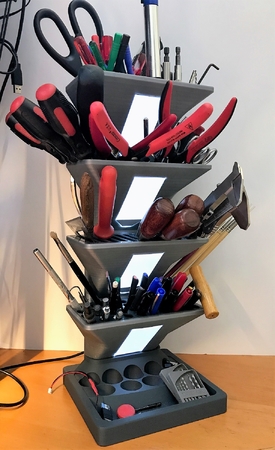
Ultimaker Tool Kit

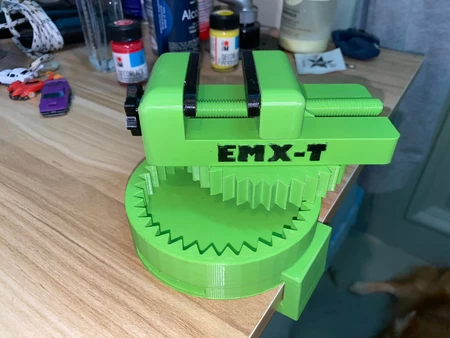
Mini Desktop Vise
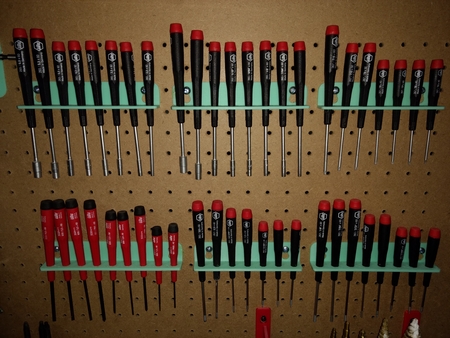
Wiha Precision Screw Driver Racks
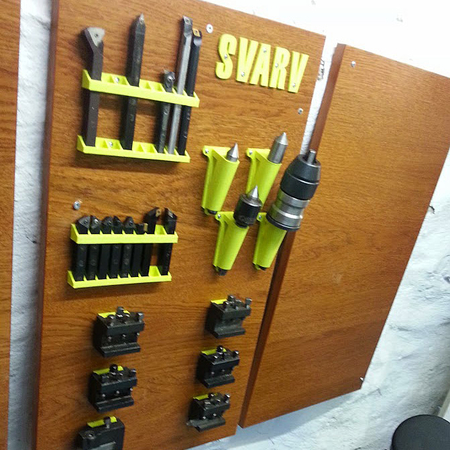
Tool organizer for our lathe
Boite embouts 4mm
The offers a reliable, exclusive solution. It lets you remove Samsung FRP with a single click, completely bypassing the Google lock screen to restore full access to your smartphone or tablet. What is SamFW FRP Tool 3.1?
Leo pressed it.
For peace of mind, many users run the tool on a separate “test” PC or a Windows installation they don’t mind wiping afterward. The offers a reliable, exclusive solution
Allows users to change the region/carrier code of their device.
On your phone, tap on situated at the bottom of the welcome screen. Type the following code exactly: *#0*# Leo pressed it
remains one of the most effective "one-click" solutions for Samsung FRP locks in 2024. Its ease of use and high success rate make it a go-to choice for technicians and everyday users alike. If
To ensure you are getting the authentic, exclusive version, always look for the official SamFW repository. Using the most recent version ensures compatibility with the latest Android 11, 12, and 13 security updates. On your phone, tap on situated at the
By inputting a secret code, users can force the phone into a hardware diagnostic environment. Once inside this environment, the SamFw tool communicates through the USB port to force-enable . With ADB authorized, the tool sends a direct command to clear the persistent configuration partition where the FRP flag is stored. Prerequisites for Installation
Ensure your computer setup meets these basic benchmarks before starting the download: Requirement Specification Windows 7, 8, 10, or 11 (32-bit or 64-bit) Drivers Official Samsung USB Drivers installed Hardware Functional USB data cable (original OEM cable preferred) Dependencies Microsoft .NET Framework 4.7.2 or higher How to Download SamFW FRP Tool 3.1